Start a round
Configuring a round
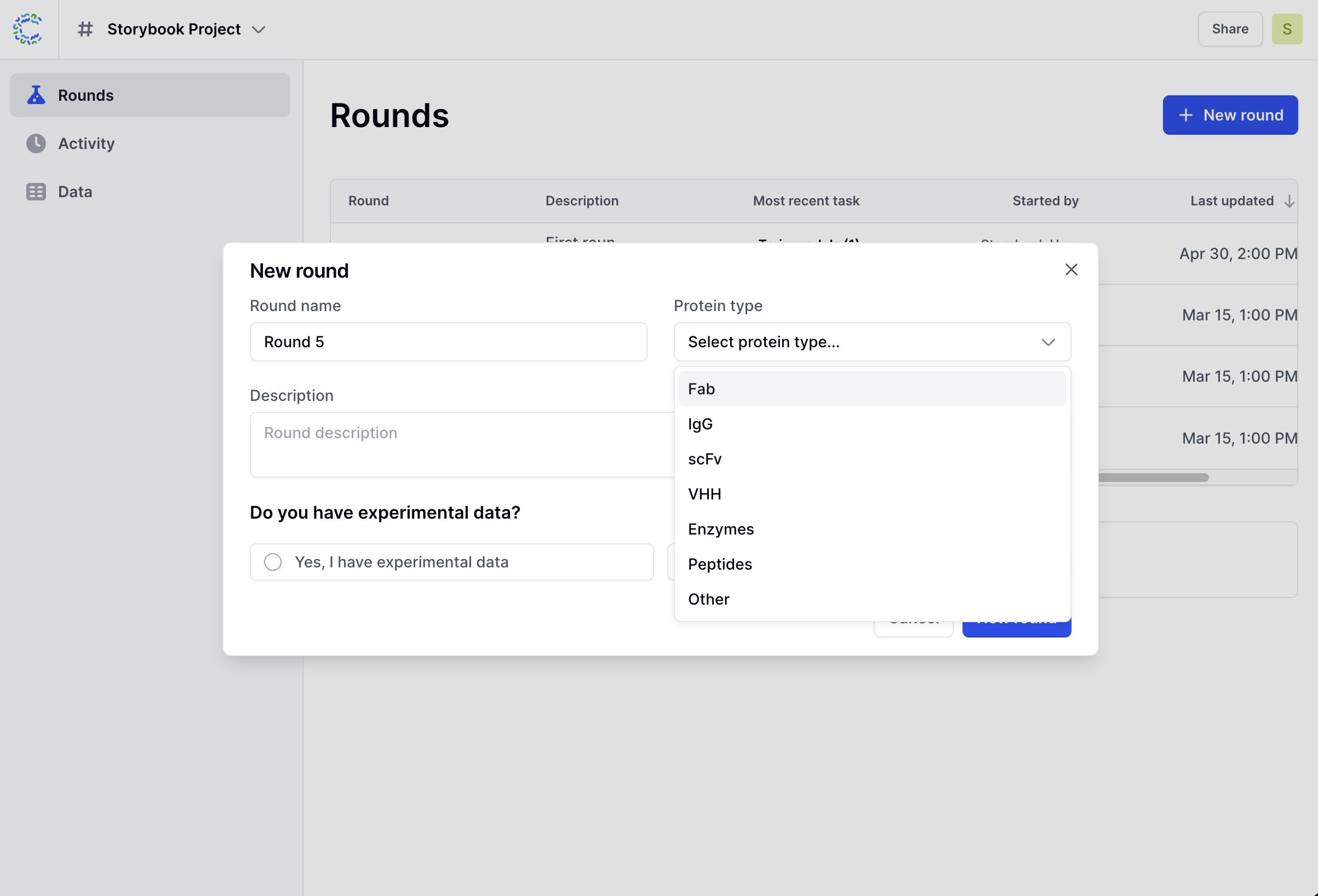
When you start a new round, you will need to input:
- Name and description for the round
- Modality
- Whether you have experimental data
- Your design intent:
- Engineer new sequences
- Select from existing sequences
Based on these these choices, the platform will customize your round and guide you through the workflow.
If you are using Cradle API, or have specific configuration needs that fall outside of the guided round, you can configure and run computational tasks individually - learn more about how to Run individual tasks.
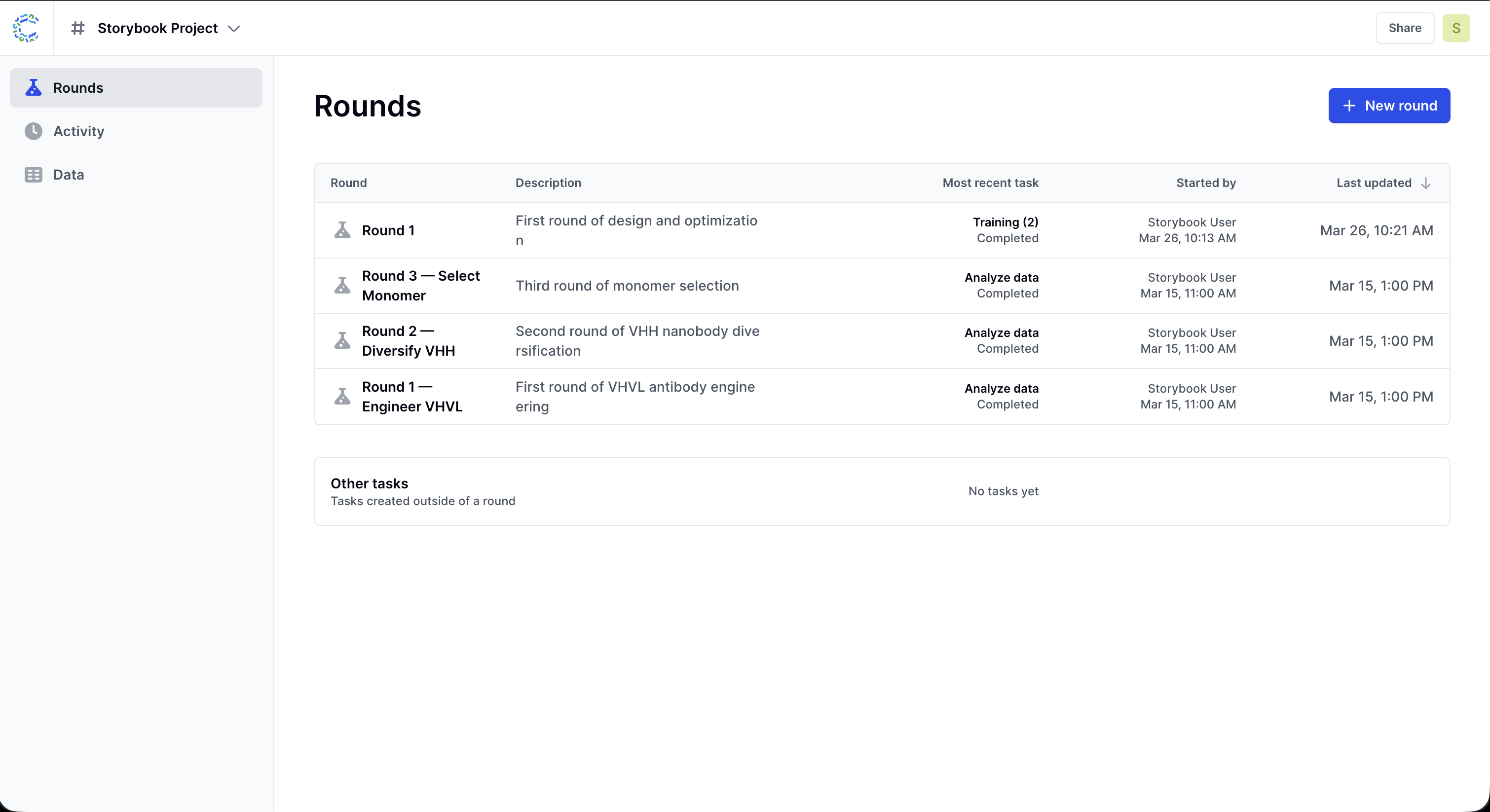
Round steps
Once you have configured your round, the platform will guide you through the round steps.
| Step | What this step includes |
|---|---|
| Data | (If experimental data available) Upload and configure the data to use in this round |
| Train | Train a project-specific model on the round's data |
| Design | Generate or select sequences for chosen objectives |
| Review | Evaluate the design outputs and choose the plate(s) to go to the lab |
The exact flow will depend on the modality and design intent you select when creating the round, and whether or not you already have training data available for this project.
Overview for traceability
Note: Traceability is a new feature that was released together with guided rounds. If your round started before this feature was launched and traceability is important to you, reach out to your Customer Success team who can help with retroactive mapping.
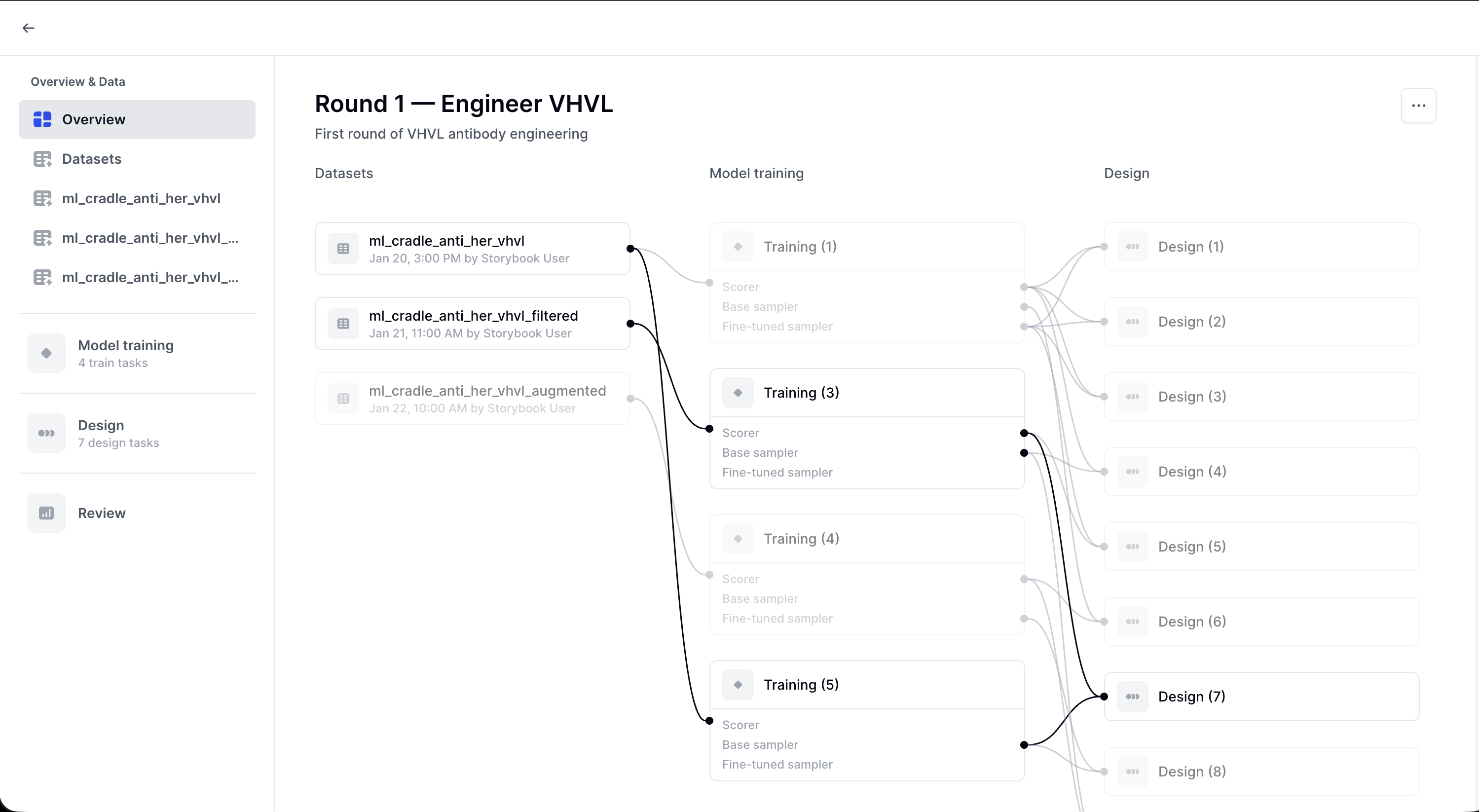
In the overview, you can see and click through the provenance of your outputs. For example:
- Which dataset was used for a given training run
- Which trained model was used to generate or select a plate.
This traceability is especially valuable if several training and generation runs have been done for a project.